How To Center Your Page in Browser Windows
Q
How To Center Your Page in Browser Windows? - CSS Tutorials - Page Layout and Background Image Design
✍: FYIcenter.com
A
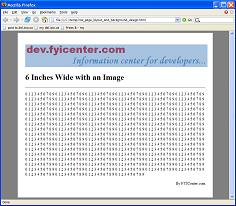
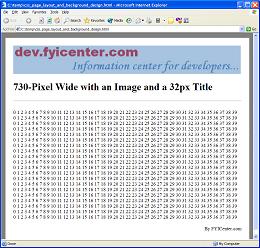
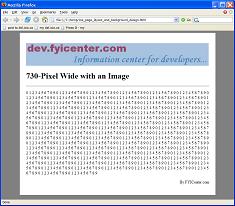
In the previous exercise, the page width is fixed, but the page is not centered. If you want to center your page in the browser window, you can add the CENTER tag before the DIV tag. The following tutorial exercise shows you how to use CSS definitions to center your page, set background color, and set page margins:
<html><head>
<style type="text/css">
  BODY {background-color: gray}
  DIV.page {background-color: white; width: 6.0in;
    padding: 0.25in; text-align: left}
</style>
</head><body><center><div class="page">
<H1>Centered Page with Fixed Width</H1>
<p><script language="JavaScript">
  for (i=0; i<100; i++) {
    for (j=0; j<10; j++) {
      document.write(j+' ');
    }
  }
</script></p>
<p align="right">By FYICenter.com</p>
</div></center></body></html>
If you save the document as centeredPageLayout.html and view it,
you will see a page like this:

2007-05-11, 5507👍, 0💬
Related Topics: